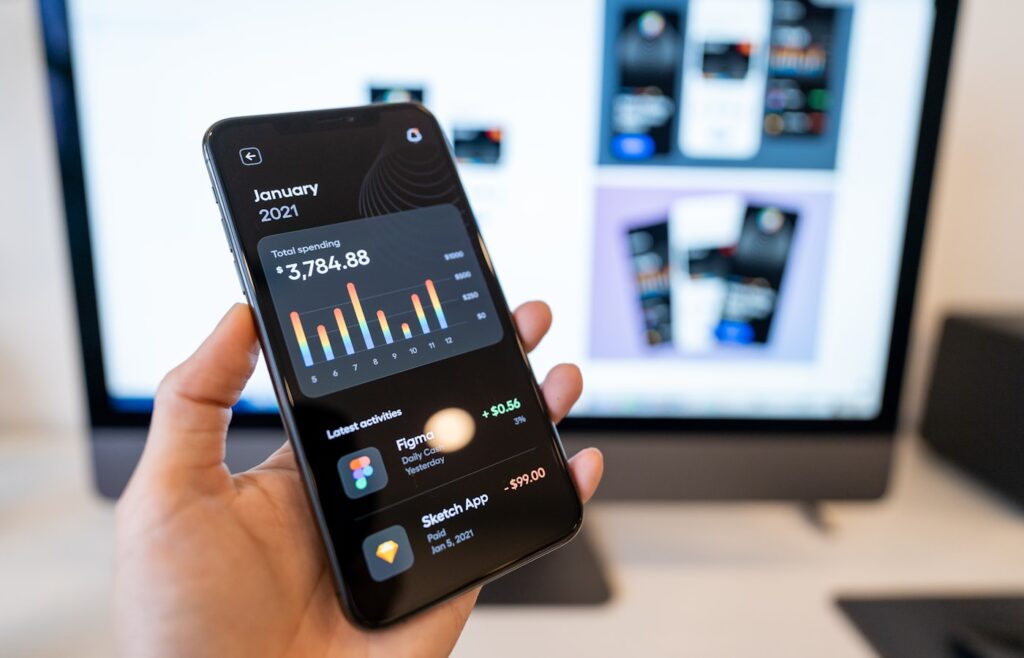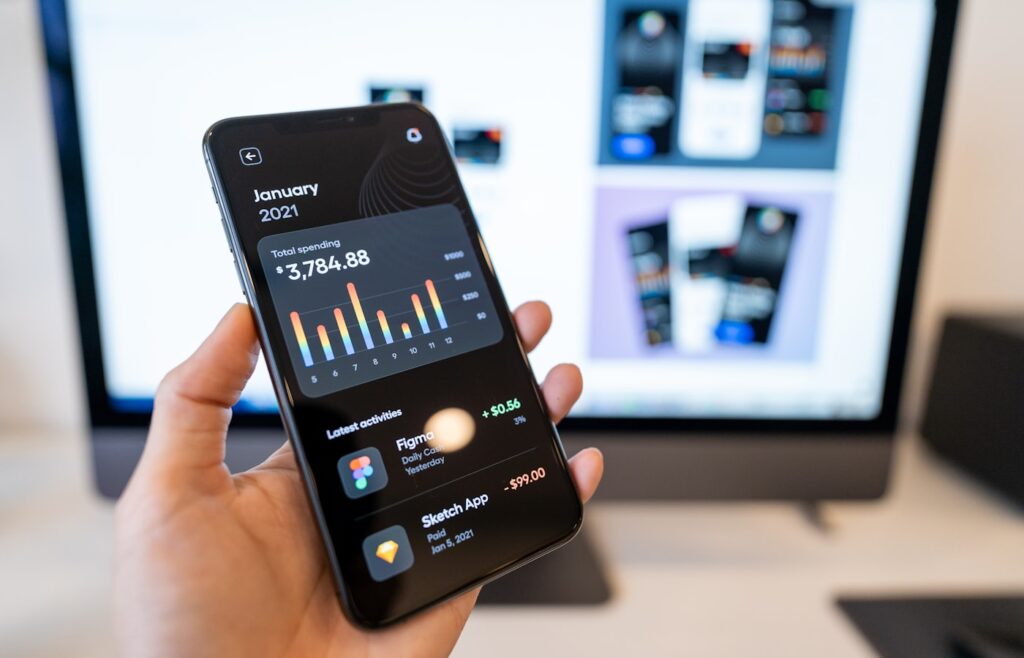
“UI/UX” gets said as one phrase so often that most people treat it as a single thing. It isn’t. UI (User Interface) and UX (User Experience) are two related but distinct disciplines, and mixing them up leads to the same kind of scope confusion we see with digital marketing – clients expect one thing, get another, and nobody’s happy.
Here’s the actual breakdown.
What UI (User Interface) Covers
UI is about how a product looks and how its individual elements are laid out and styled.
- Visual design: colors, typography, spacing, icons
- Button styles, form fields, navigation menus, layout grids
- Consistency of design elements across a product (design systems)
- Making sure the interface is visually accessible (contrast, readable text sizes)
- Micro-interactions: hover states, animations, transitions
If you’re looking at a screen and evaluating whether it looks clean, modern, and visually consistent, that’s UI.
What UX (User Experience) Covers
UX is about how a product feels to use and how well it helps someone accomplish their goal.
- User research: understanding who’s using the product and what they need
- Information architecture: how content and features are organized and structured
- User flows: mapping out the steps someone takes to complete a task
- Wireframing: rough, low-fidelity layouts before visual design is applied
- Usability testing: watching real users interact with the product to find friction points
- Accessibility for real-world use cases (not just visual accessibility, but functional ease of use)
If you’re asking whether someone can actually find what they’re looking for, complete a signup, or check out without getting confused, that’s UX.
Why People Confuse Them
They’re sequential, not identical. UX research and structure typically comes first (understanding the user, mapping the flow), and UI comes after (applying visual design to that structure). Because they happen close together and often by the same person or team, people start treating them as one step.
A product can have good UI and bad UX, or vice versa. A beautifully designed screen (great UI) that confuses users about what to click next is bad UX wrapped in good UI. Conversely, a plain-looking form that’s incredibly easy and fast to complete is good UX with basic UI. This is the clearest proof they’re separate things.
Job titles blur the line. Many designers are hired as “UI/UX Designers” and genuinely do both, which reinforces the idea that it’s one combined skill rather than two distinct ones.
What This Means When You’re Hiring or Planning a Project
If someone says “I need better UX,” ask what specifically feels broken: is it confusing navigation, unclear next steps, too many form fields, a checkout process that loses people halfway through? These are structural/flow problems, not visual ones – fixing them might not even change how the page looks.
If someone says “I need better UI,” they usually mean the product looks outdated, inconsistent, or unpolished, even if it functions fine.
Knowing which one you actually need (often both, but not always) changes what kind of work gets prioritized, how long it takes, and who should be doing it.
The Practical Takeaway
Before starting a redesign project, get specific about whether the core problem is how something looks (UI) or how it works and flows (UX). Most real projects need both, but naming the actual problem correctly means the first round of work solves it instead of just making the page prettier without fixing what was actually broken.
If you’re not sure which one your product needs, our product & UX design service covers both, starting with figuring out what’s actually broken before touching the visual layer.